# Mess Menu Backend
## Backend:- nodejs, expressjs, azure mongodb, blobstorage, modules, azure vm, azure services.
Frontend:- React Native Framework,Reactjs, modules, Js, CSS.
## New Prototype Video Link : https://youtu.be/xoaFDFJ_QQk
> OLD Demo Video Link: https://www.youtube.com/watch?v=xetzHk-LvHg
> Current Present things & They will be updated as per requirement.
## UI & Working:-
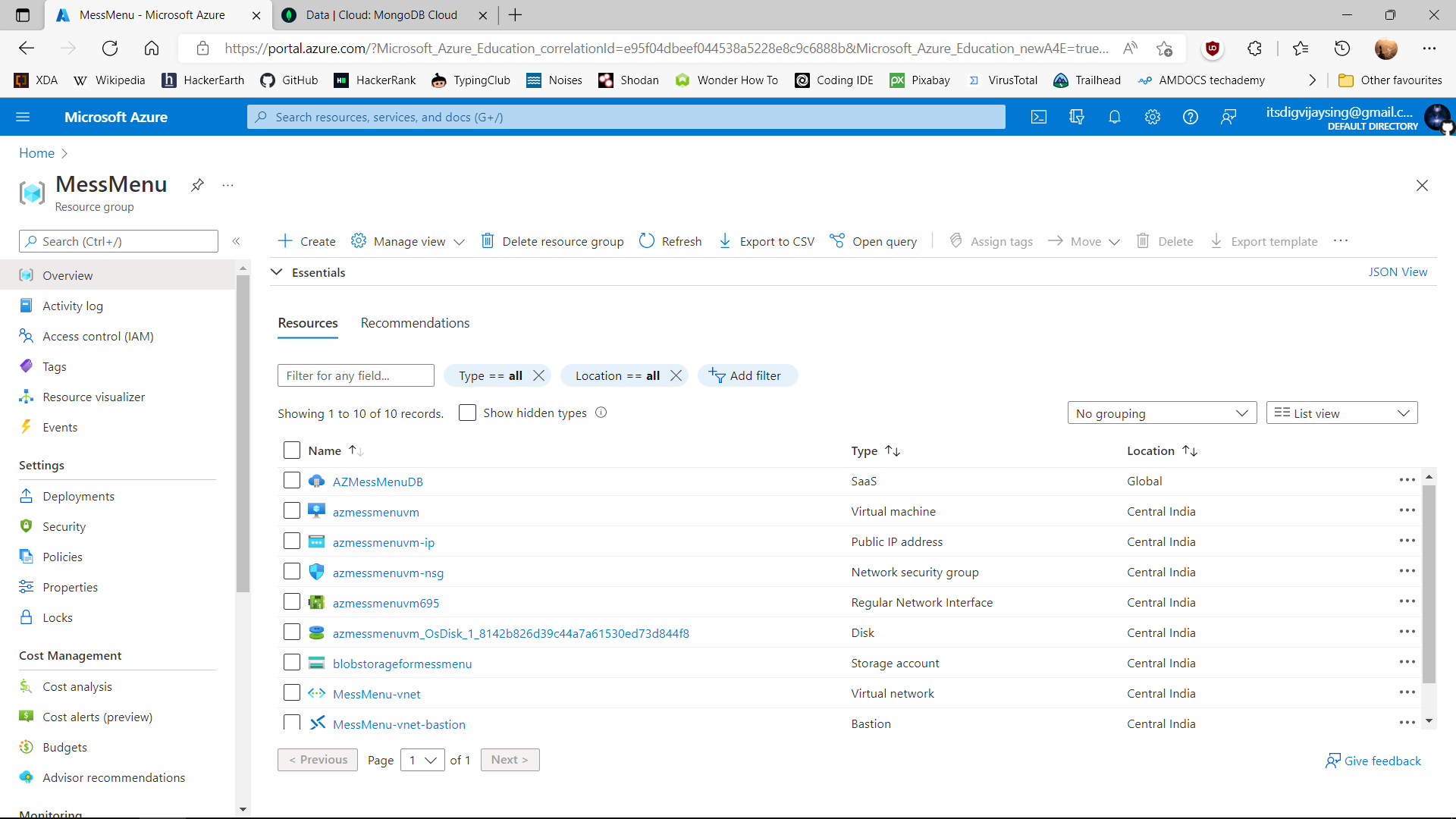
Azure MessMenu Resourse Group and all services info
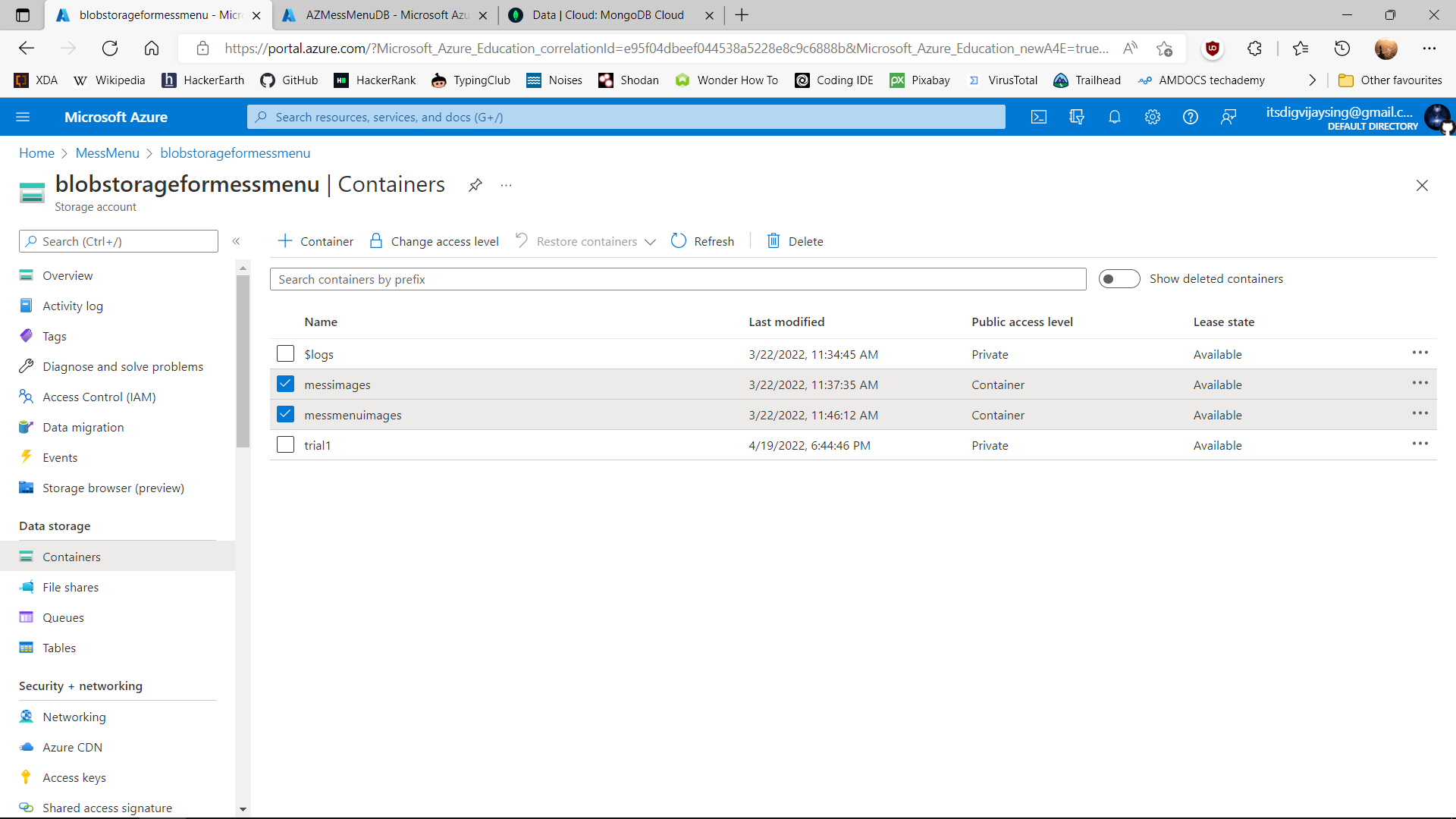
Azure Blob Container which is using for storing images
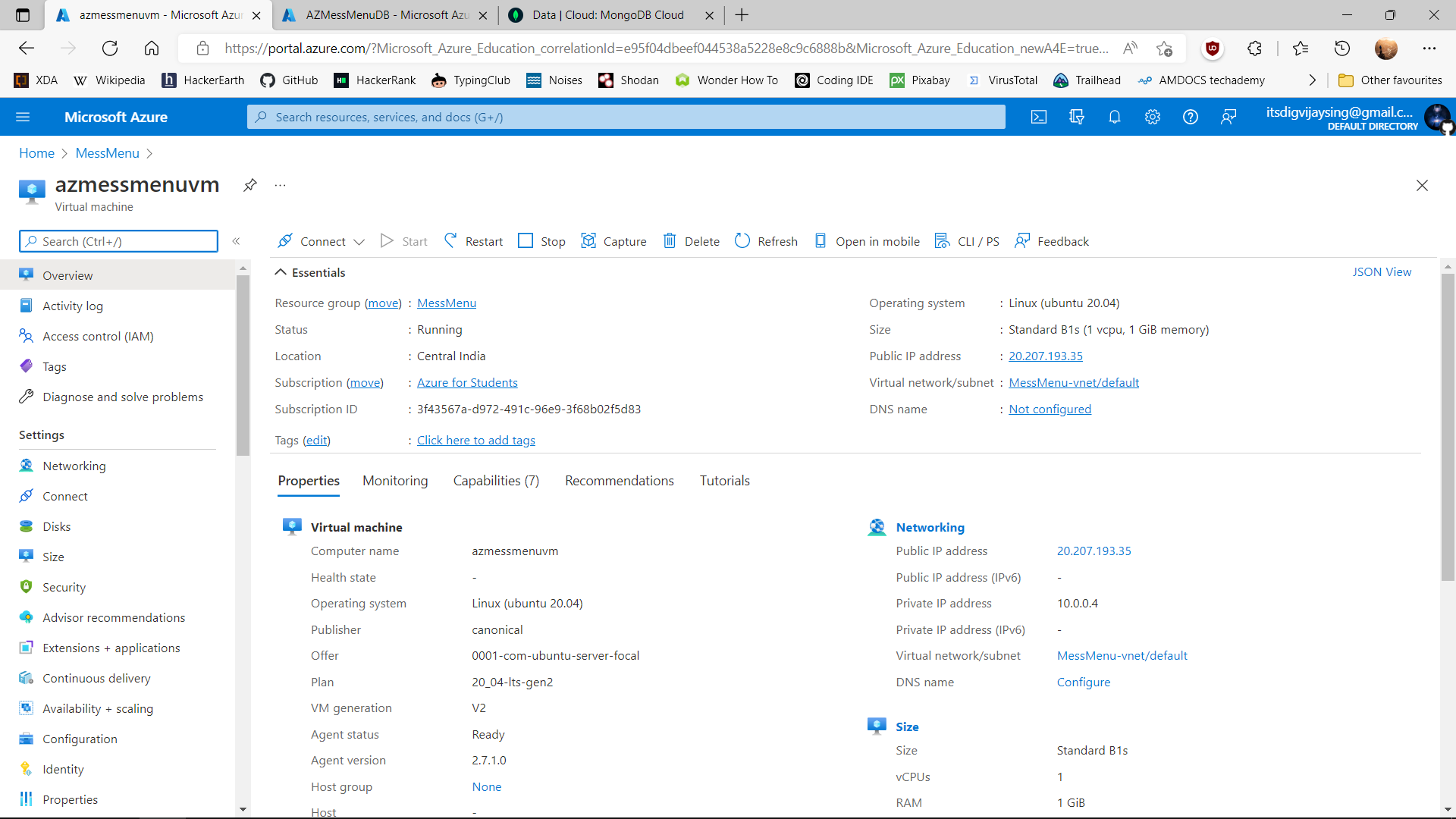
Azure Virtual Machine azmessmenuvm with ubuntu for Backend code deployment
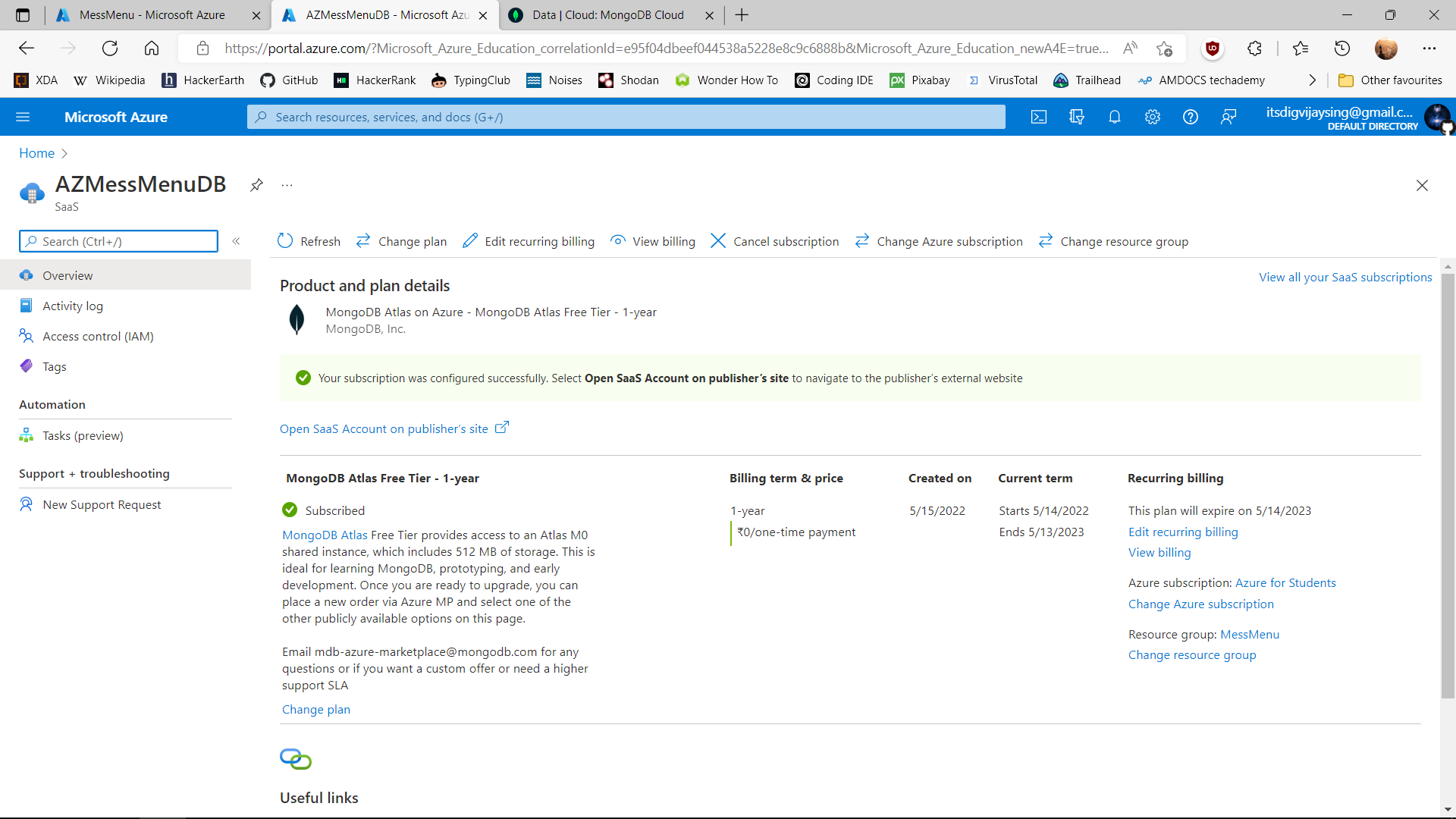
Azure MongoDB Subscription Activated through Azure Portal
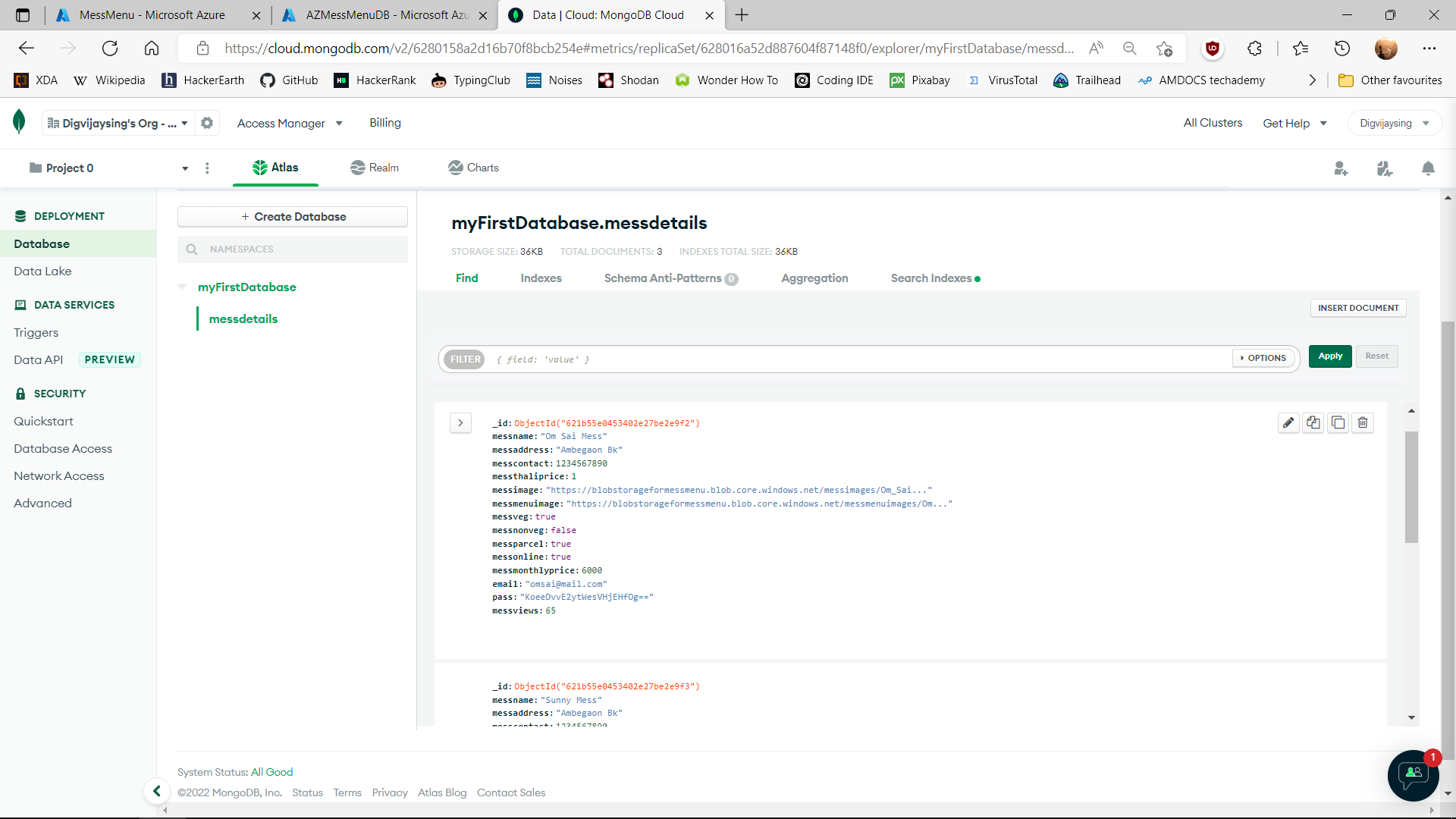
MongoDB Cloud Database with Azure & there data
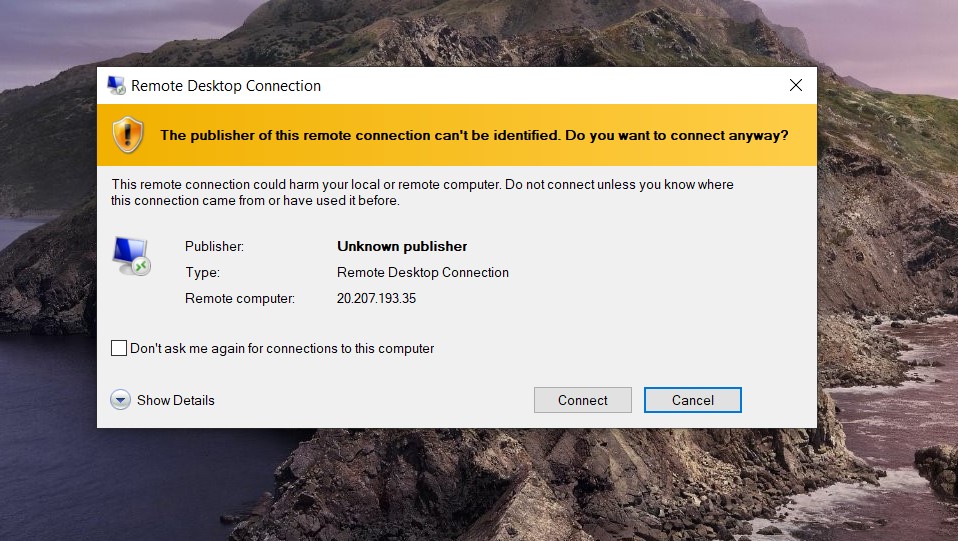
Azure VM RDP (Remote Desktop Connection) Step to access GUI
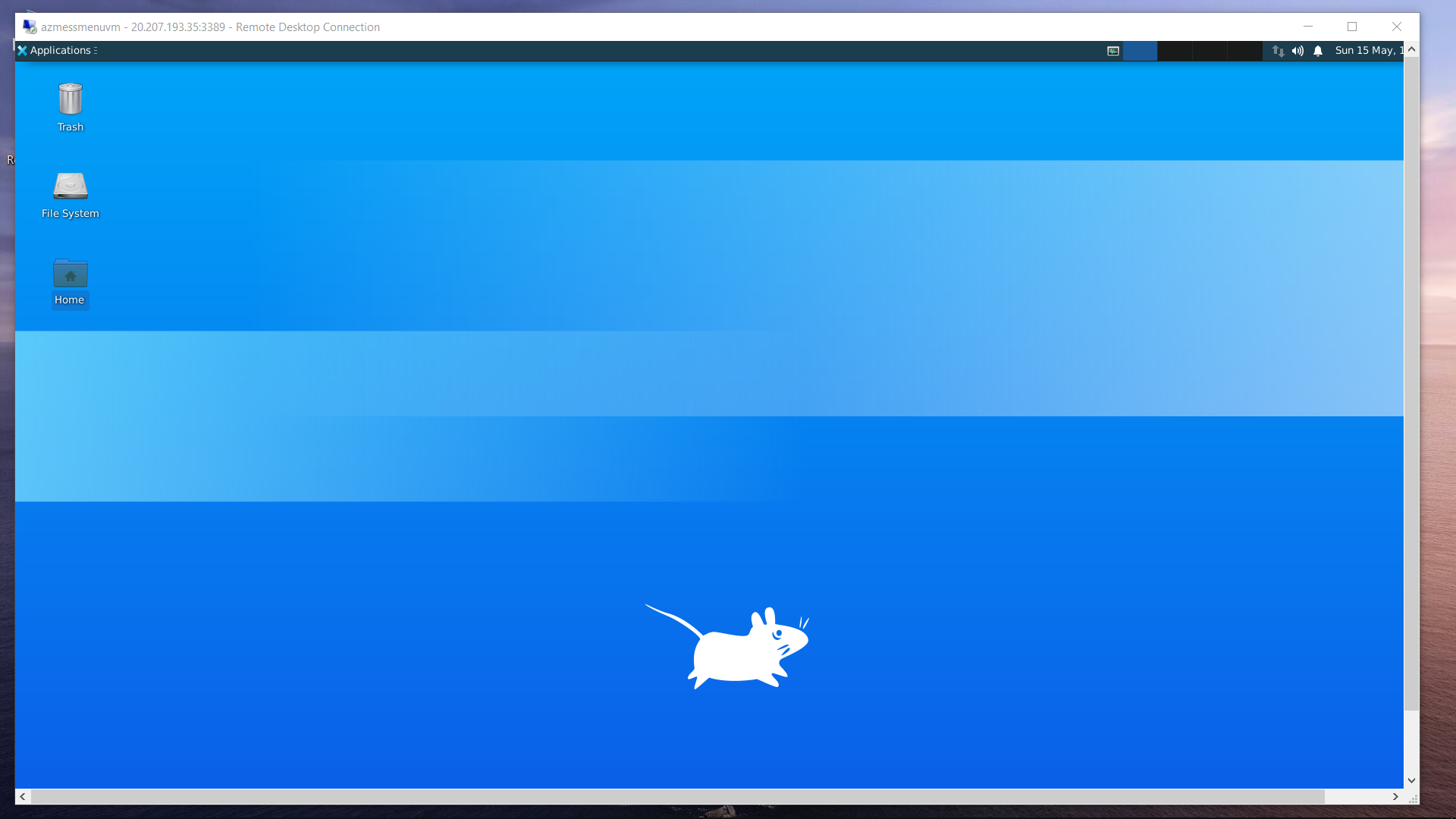
Azure Vitual Machine GUI ACCESS for working
Azure SSH terminal Access for Azure VM code execution & response collection
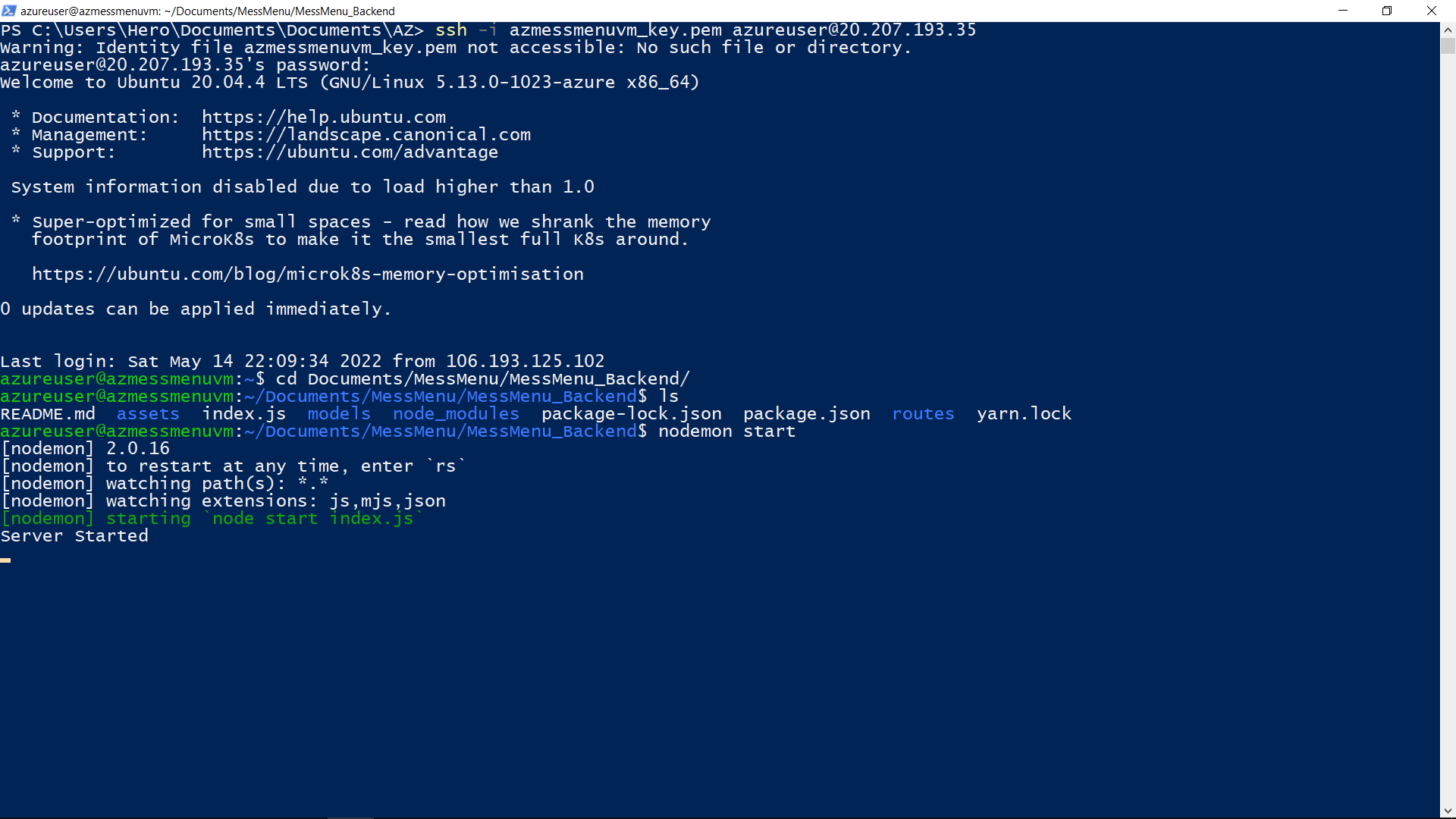
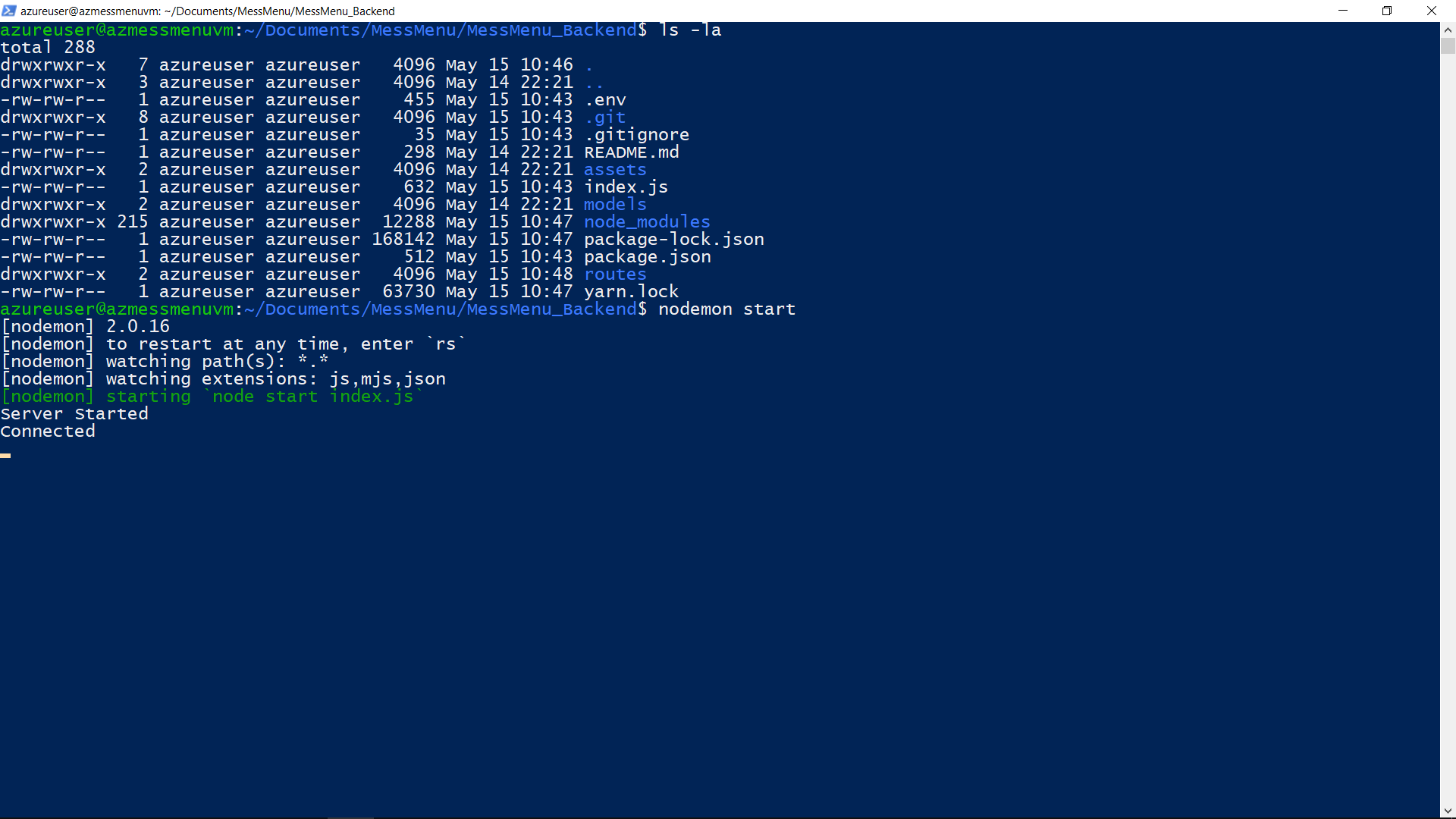
Starting Complete Backend Server Api for Frontend connection
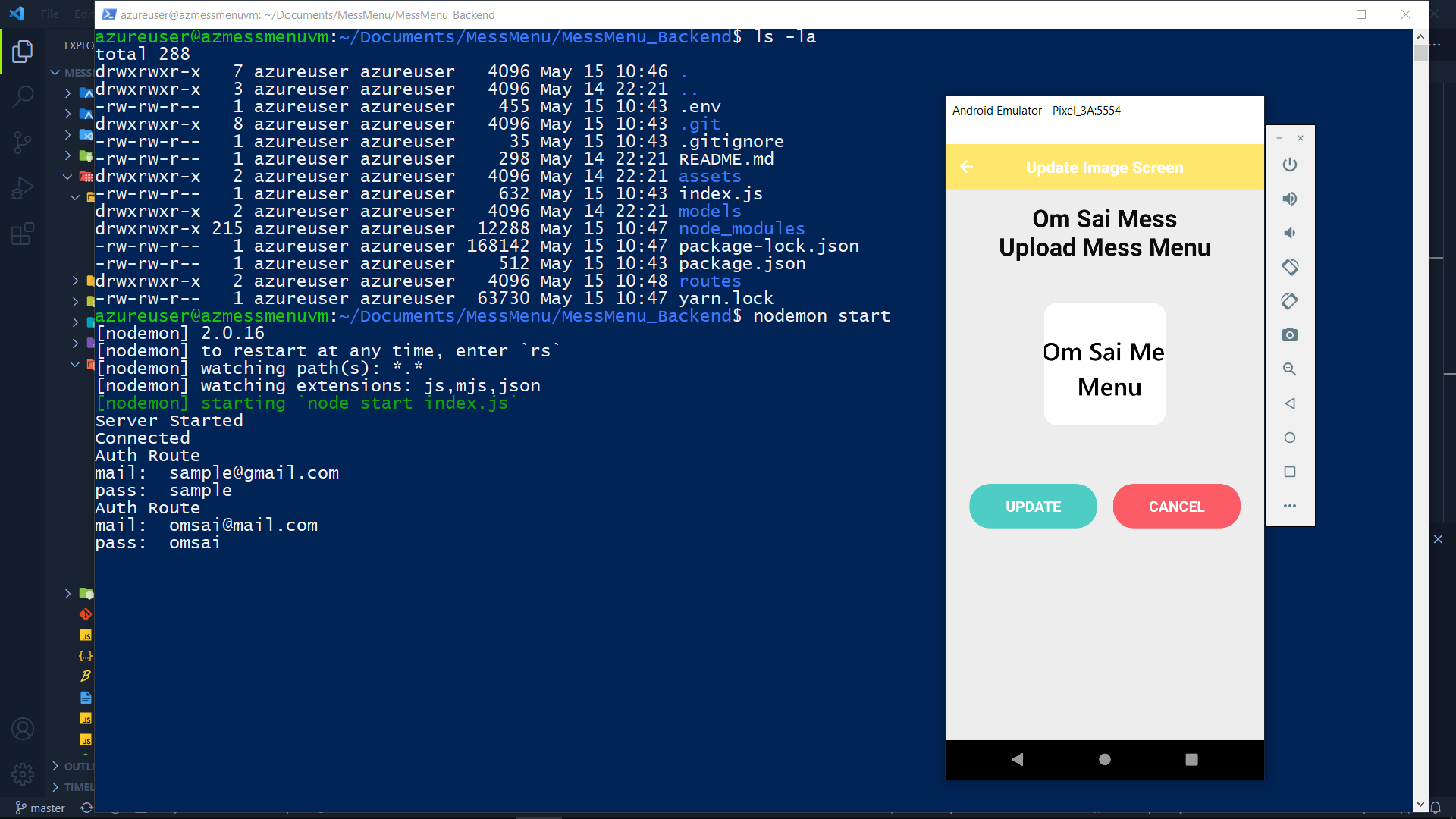
Azure VM process while uploading image file to blob storage
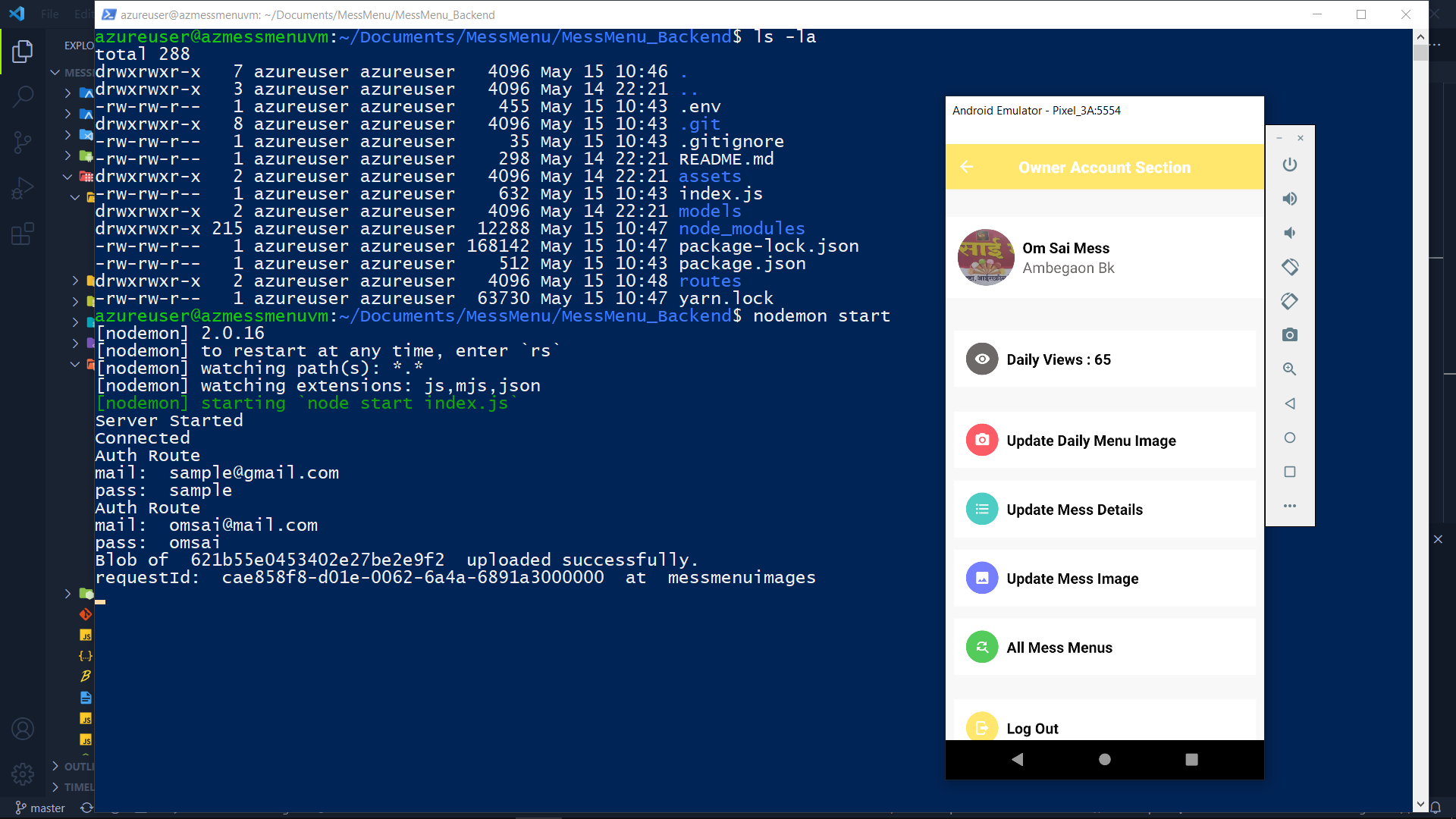
Azure VM terminal response After Uploading Image to blob storage with mongodb patch request
## All Frontend Info Present on MessMenu-Repo README.md file
## Features:-
Using the Azure VM, Creating Env and deploying the backend
Using the Azure MongoDB database storing and accessing the data
Using the Azure BlobStorage storing the image file and publicly accessing them
Using the Azure Monitoring & other Services for managing the Azure Cloud
Using AES Encrypion Storing the pass in encrypted format
Much more...
## Rest API -> Http -> Get, Post, Patch, Delete
> GET: http://azure_vm_ip:9000/messdetails
> GET: http://azure_vm_ip:9000/messdetails/
> POST: http://azure_vm_ip:9000/messdetails
> PATCH: http://azure_vm_ip:9000/messdetails/
> DELETE: http://azure_vm_ip:9000/messdetails/