User Manual for AI Chat Moderation
User interaction with AI
The AI feature for chat moderation that we added to our chat application maintains a user friendly experience and allows users to benefit from the abilities of AI without needing to perform extra tasks or commands. Any time a user sends a message to a chat room, the message will be sent to the AI model running locally within the server, which will determine whether or not the message is inappropriate based on standards provided by our team. When an inappropriate message is detected by the AI model a popup will be displayed to the user informing them that the message has been removed due to inappropriate content and provide a short justification as to why the message in question was removed. Additionally the number of remaining warnings is displayed to the user informing them that after 3 warnings their account will be restricted.
User Requirements
Since the interactions with the AI model are done in the backend there are no additional user requirements besides just using the chat app as desired.
Usage Example
- Log in to the desired profile with necessary credentials, for a demo or example the following initialized profiles can be used.
- Username: alice, Password: secret
- Username: bob, Password: password
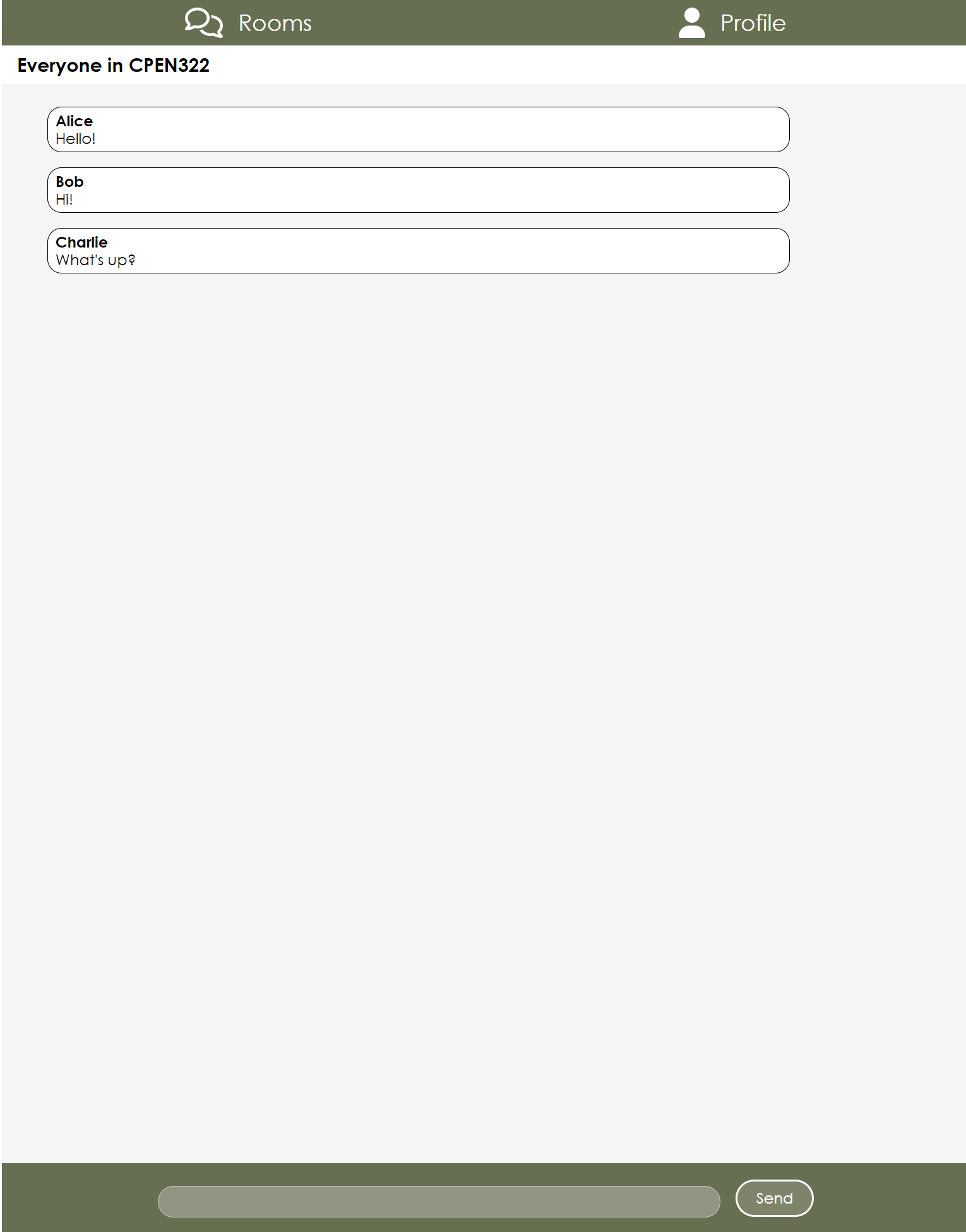
- Navigate to a desired chat room, or create a new room using the text box and create button on the bottom of the page, in this example, we will use the 'Canuck's fans' chat room
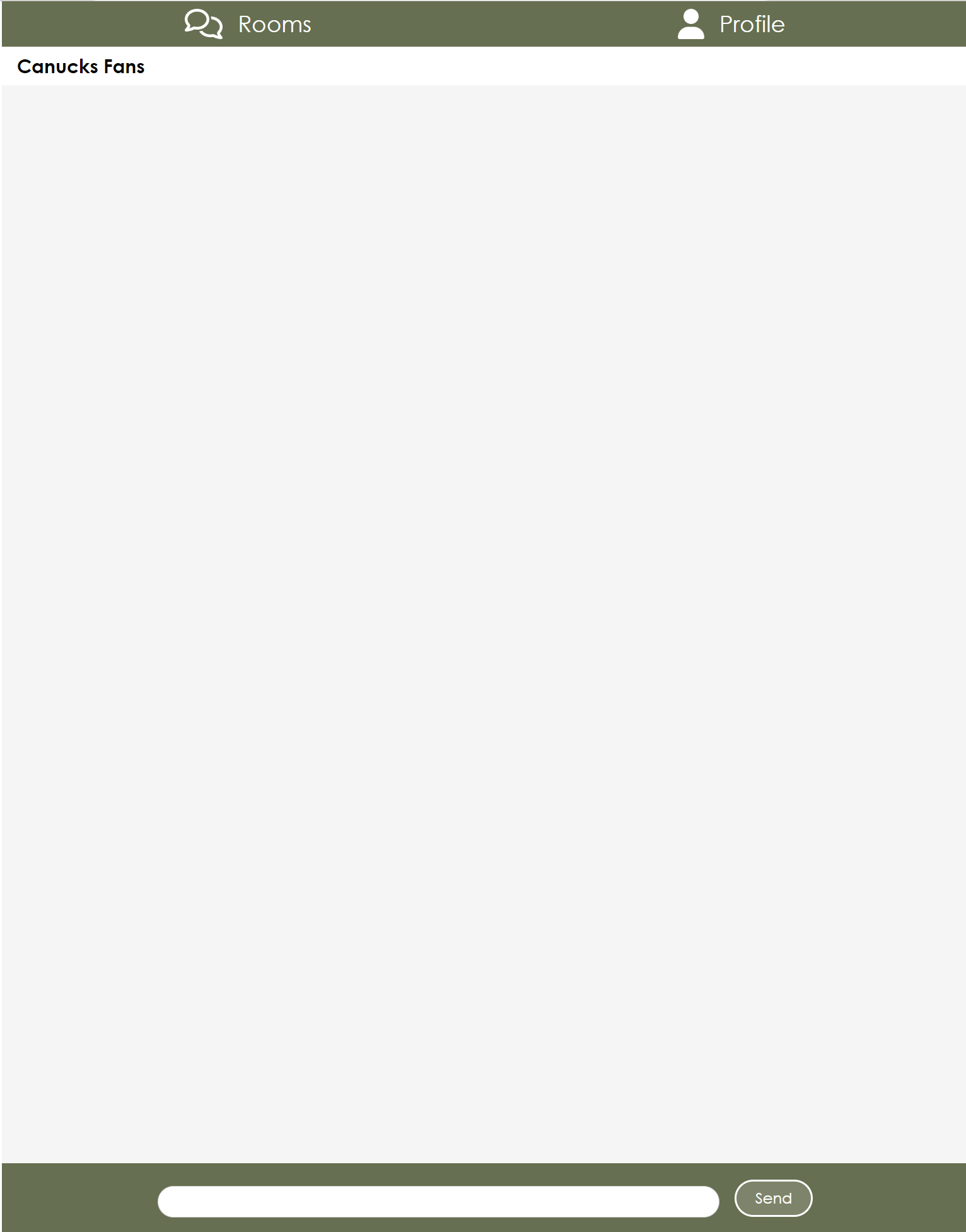
- When messages are not inappropriate, they will be sent as normal.
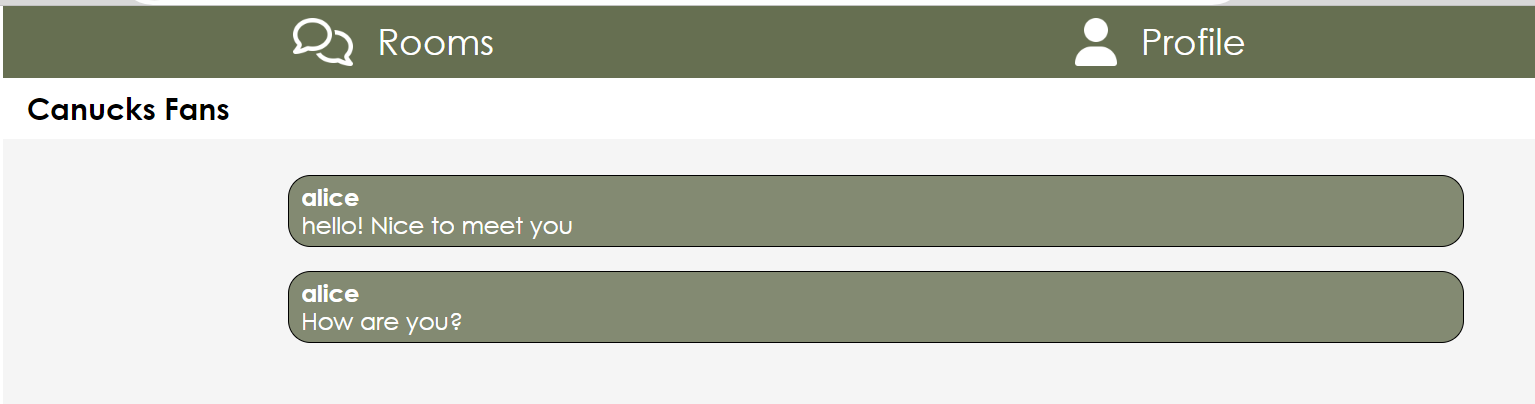
- When a user sends the first inappropriate message they will be given the first popup warning and the message is removed from the chat.
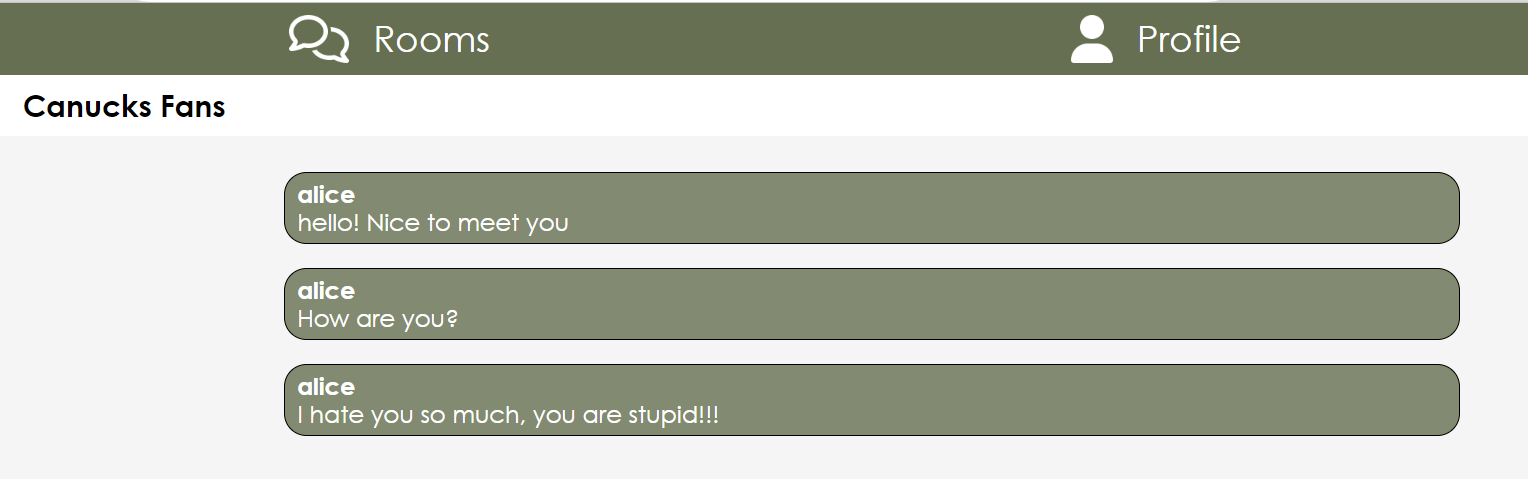
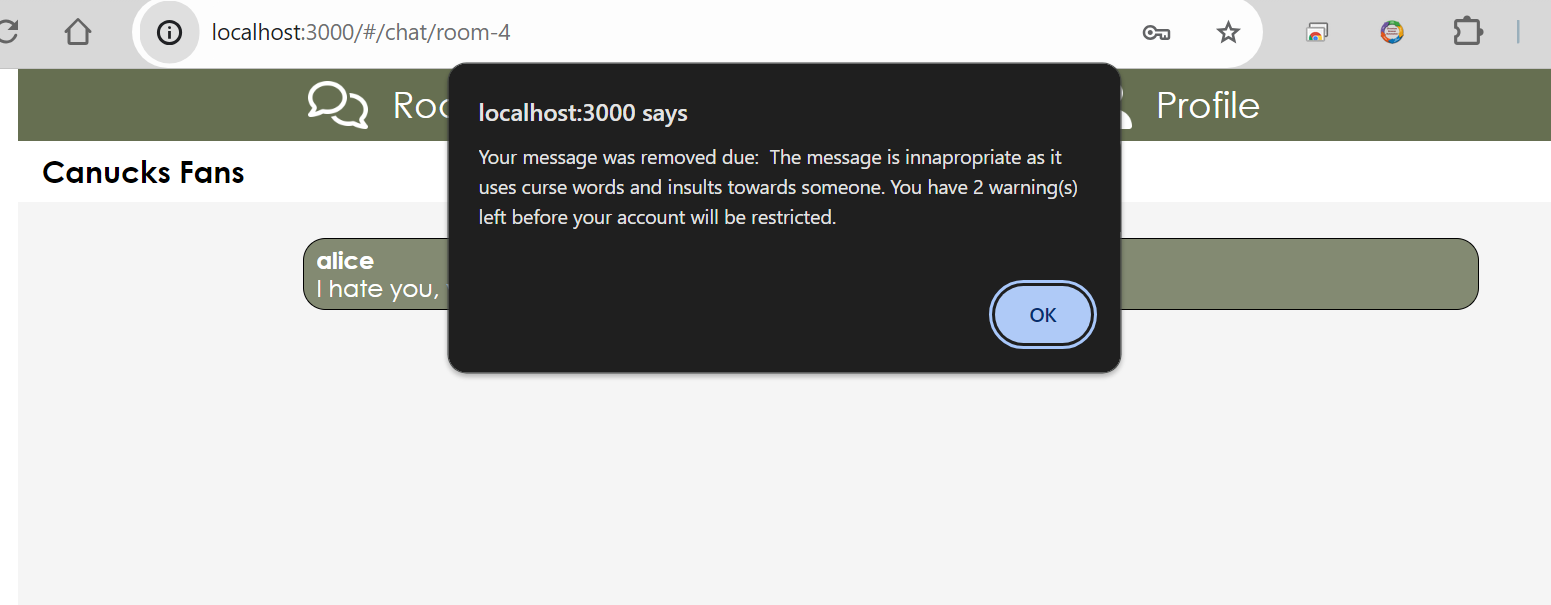
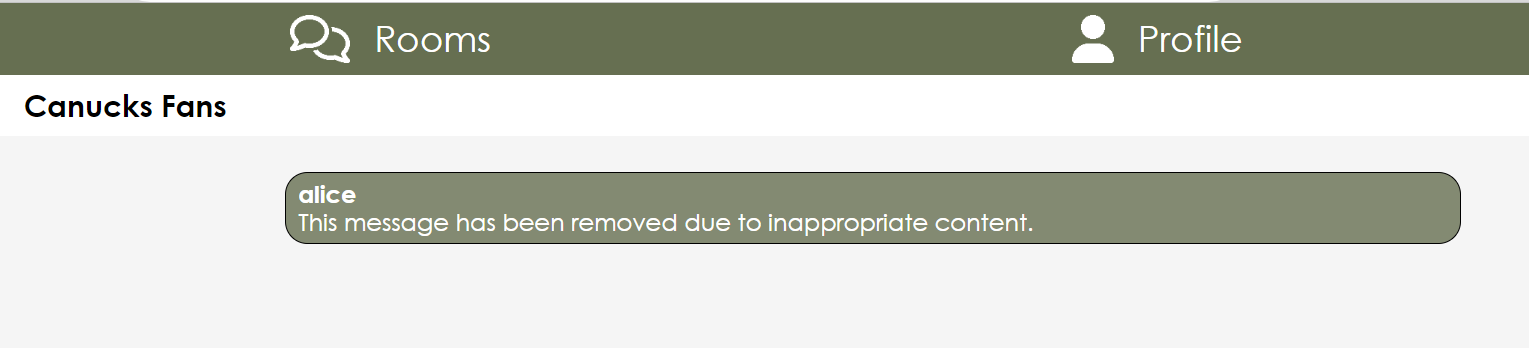
- Upon sending the 3rd inappropriate message the user receives the final warning notification informing them that the next inappropriate message will result in their account being restricted.
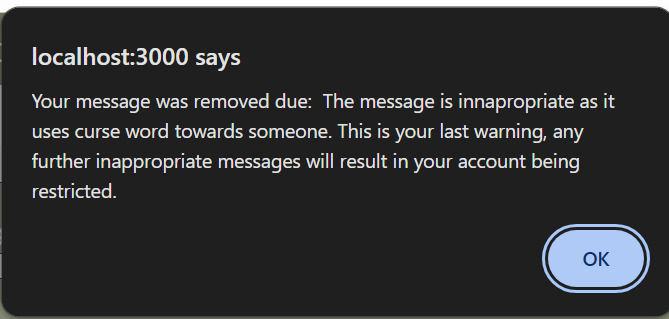
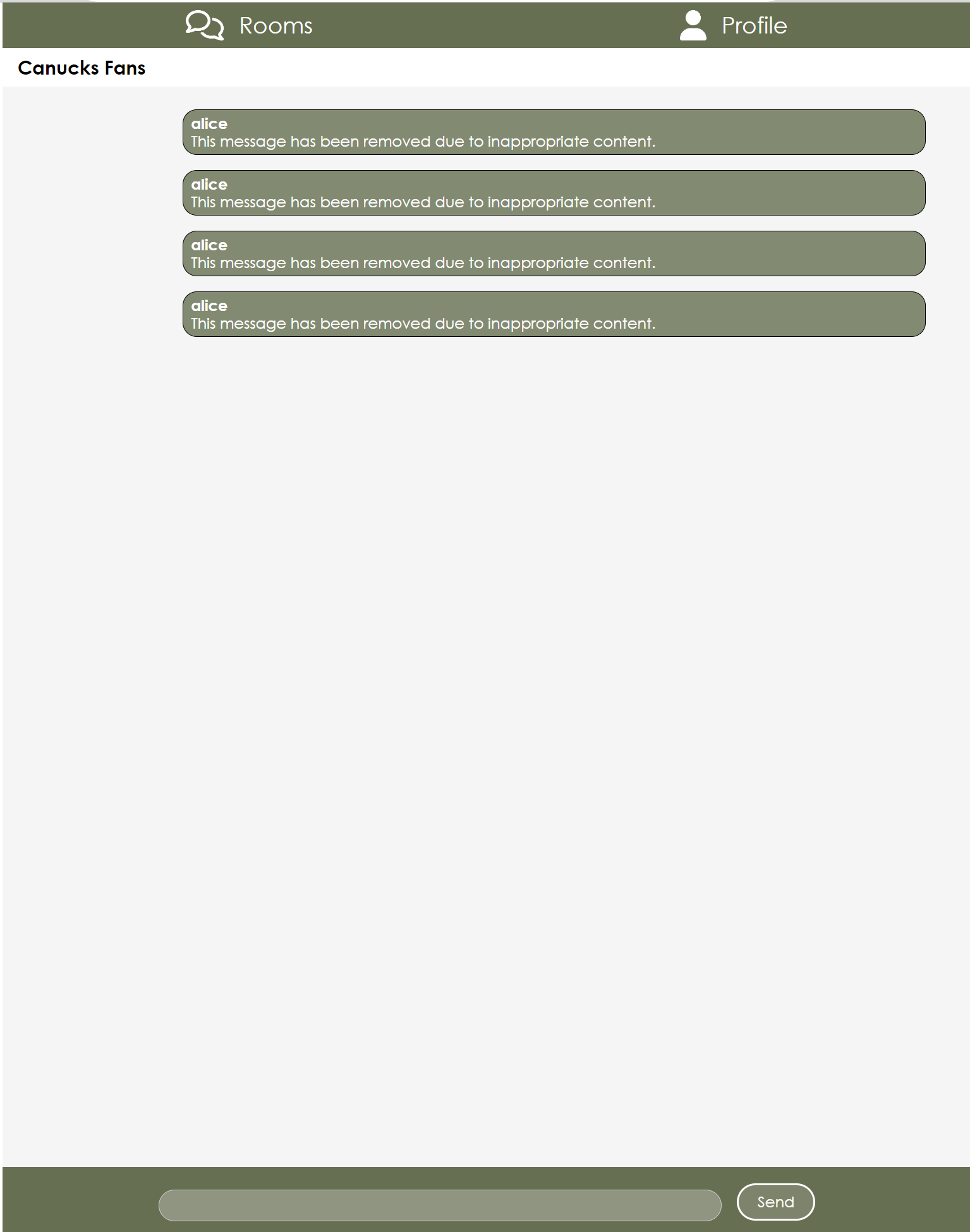
- The fourth and final inappropriate message will lead to the user being restricted from sending any messages.
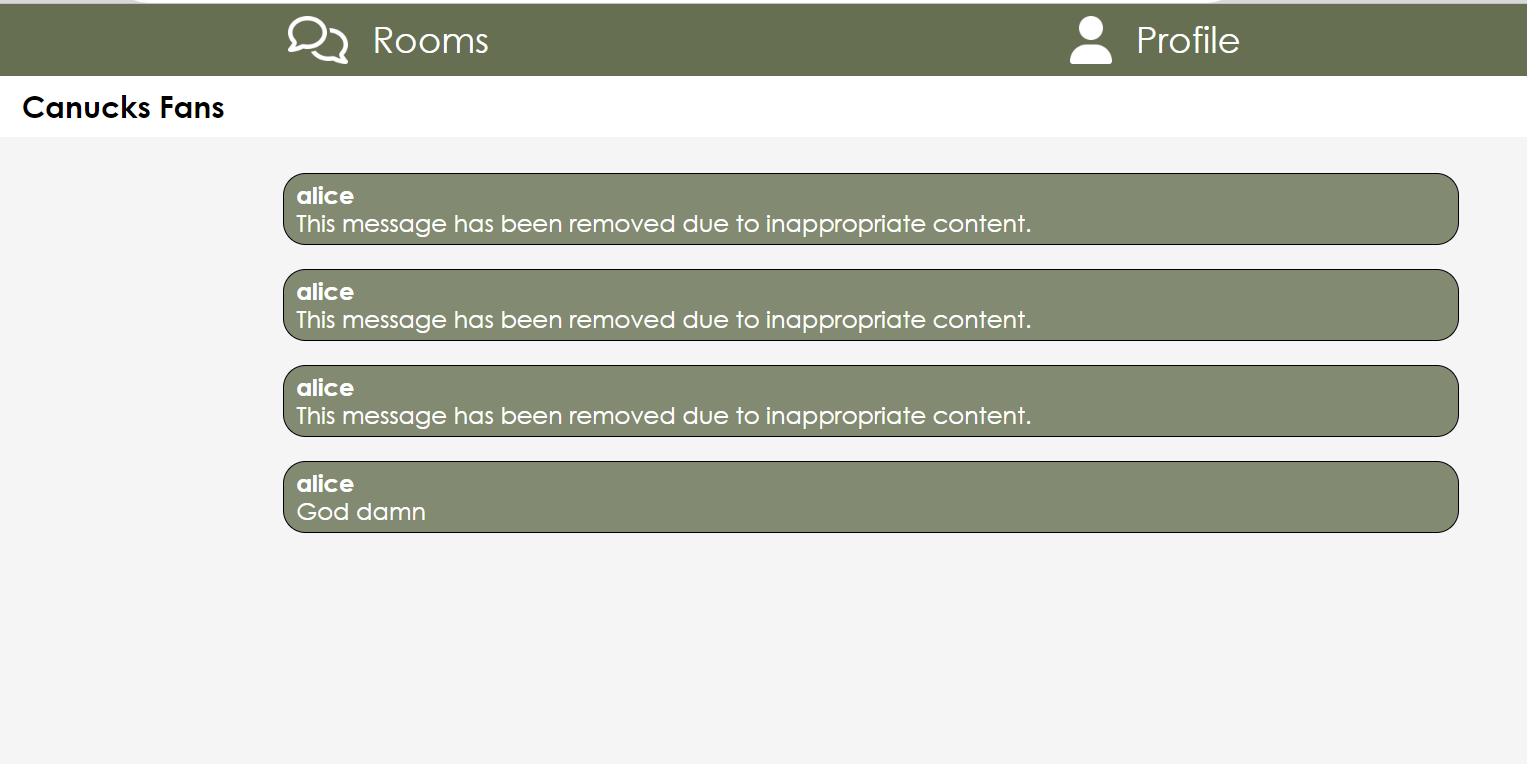
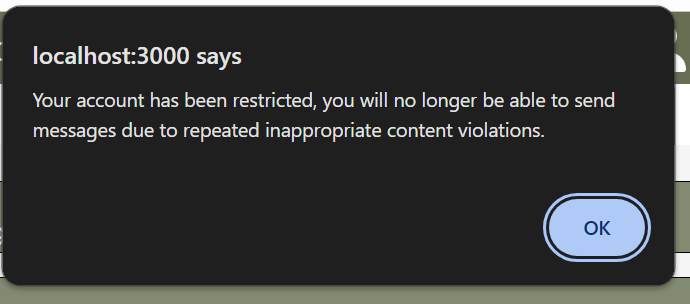
- The user is no longer able to type or send messages to any chat room. This is shown in the image by the darker chat bar at the bottom.